
A slow walk through your own city.
A companion for Singaporean seniors: plan an easy-paced day out, stay cool, take step-free routes, and reach a real person with one tap.

- Client
- Self-initiated concept
- Place
- Singapore
- Scope
- Naming · Colour · Illustration · Voice · Product
- Year
- 2026
01The brief
Most Singaporean seniors now carry a smartphone, yet a day out still means heat, stairs and apps built for someone younger. Jalan is a brand and product concept for that day out.
A self-initiated project, built from desk research on older users, Singapore's transport and its cultures. No interviews or usability tests have been run yet, so everything here is a starting point to test with seniors, not a finished answer.
02The name
jalan.Working wordmark, typeset in Roboto
“Jalan jalan” is Singlish for a casual stroll.
The working title was ElderPass. Jalan names the outing instead of the age group, in a phrase most Singaporeans already know.
03Colour, chosen for a multiracial city
Calm blues carry the app because they belong to no religion, race or party. Coral is kept for help. Red appears once: the 995 emergency button, always with an icon and words.
Navy
Carries the app.
Sky
Calm, neutral support.
Grey
Screens and cards.
Coral
Help, and only help.
Coral text
Coral that reads as text.
Left out on purpose
Green as success
Linked to Islam and the Malay community; red with green reads as flags or Christmas.
Yellow and gold
The Malay royal colour, and festive.
Saffron as a main colour
Sacred in Hindu and Buddhist traditions.
All-black or all-white screens
Mourning colours in some cultures.
04Type and size
Aa
Roboto
Android's own face, familiar on the phones seniors already use. Text is chosen on the first screen and every screen grows with it.
Main buttons are at least 56 px tall, above the 44 px accessibility bar. No hidden menus.
05Illustration
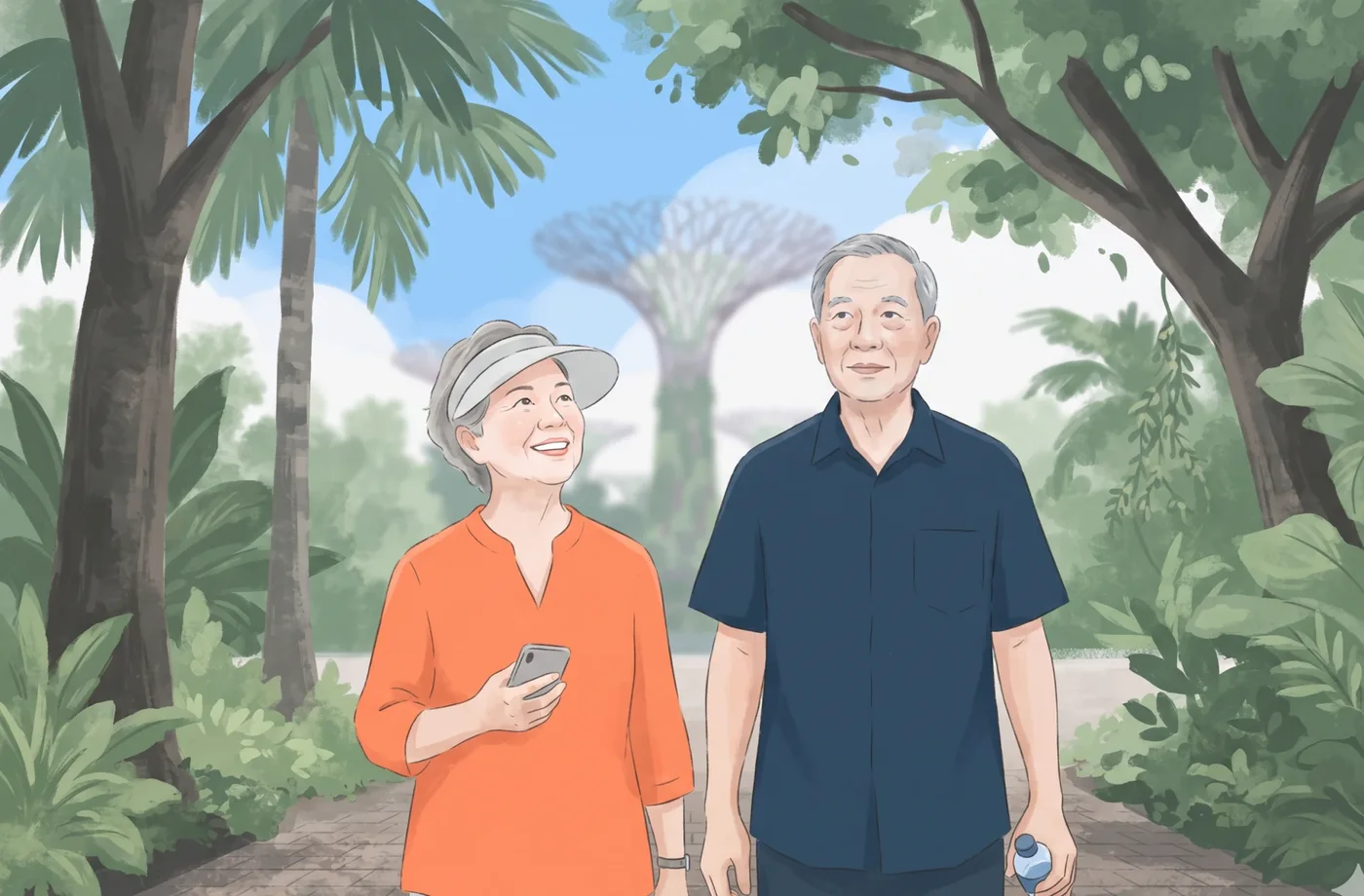
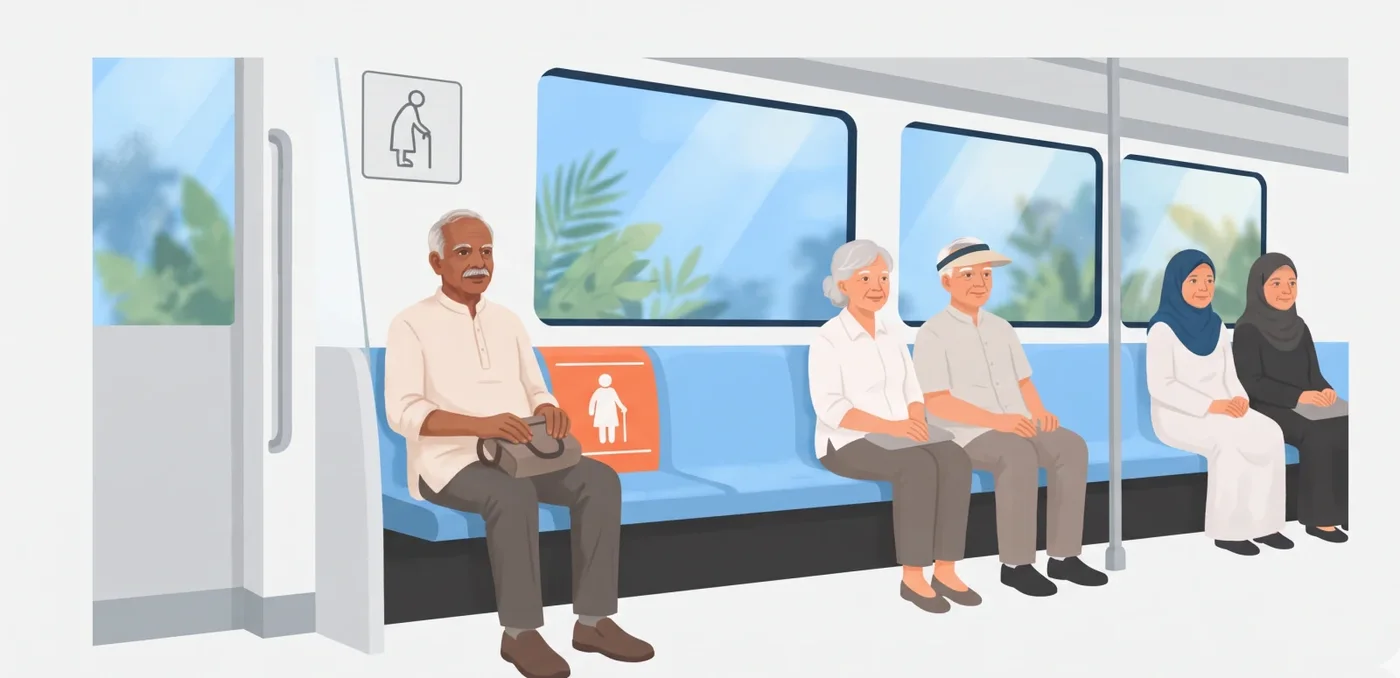
Chinese, Malay and Indian seniors, in everyday dress.
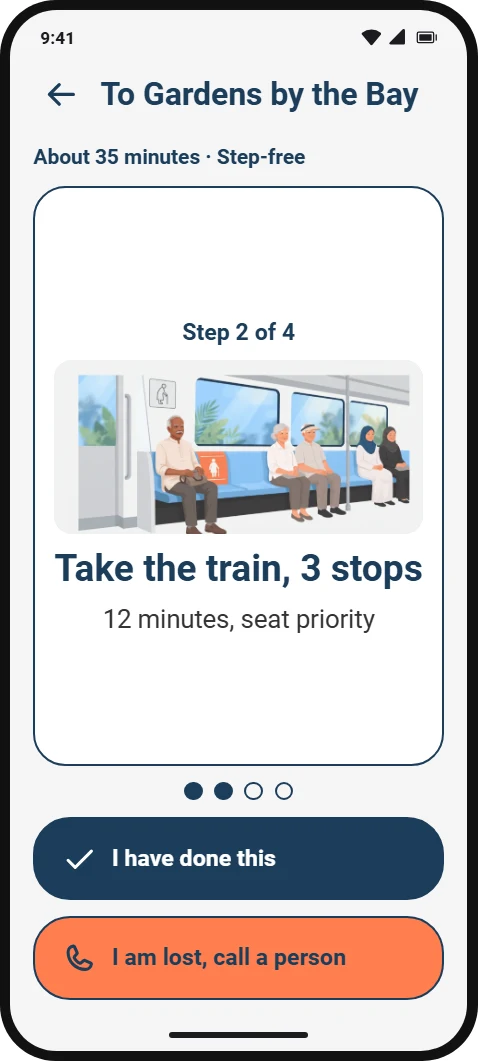
One soft, flat style in the brand blues with a touch of coral. No religious symbols, no stereotypes. Each step of a route gets its own picture. The illustrations were generated with AI to our art direction.



06Voice
Polite, plain, and never in a hurry.
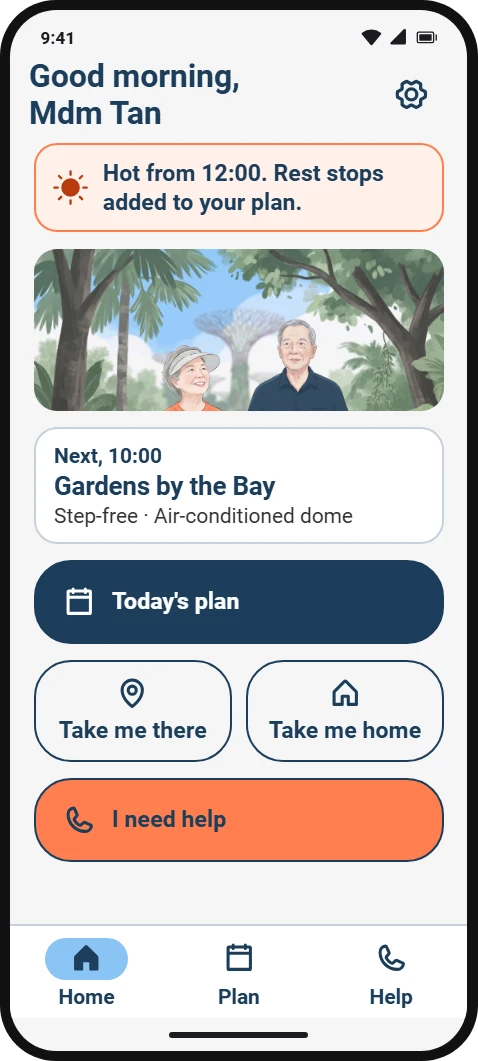
“Good morning, Mdm Tan”
People choose how they are addressed: Mr, Mdm, Dr or just a name.
“Hot from 12:00. Rest stops added to your plan.”
Say what is happening and what we already did about it.
“I am lost, call a person”
Buttons speak in the first person, the way you would ask for help.
“It is very hot now”
Short, plain sentences. No jargon, no exclamation marks.
07The product
One step at a time, and help always one tap away.




08What comes next
- Draw the logo and app icon. The wordmark above is typeset, not yet drawn.
- Test the name, colours and pictures with seniors from each community.
- Run usability tests on the route and help flows before building further.
Next
Canefrost →